Channels
How the workspace is wired to the outside: messaging, email, social and advertising.
Channels is where the workspace is wired to the outside world. It is four panels, in the order they matter: Messaging, Email, Social and Ads. Each one is set up once and revisited rarely, which is why it sits in Settings beside your business details rather than next to the pages you open every day.
A connected messaging channel feeds the Inbox, and the assistant can answer on it. Nothing goes out on a channel that is not connected: reminders and follow-ups fall back to the next one you allowed, silently.
Messaging
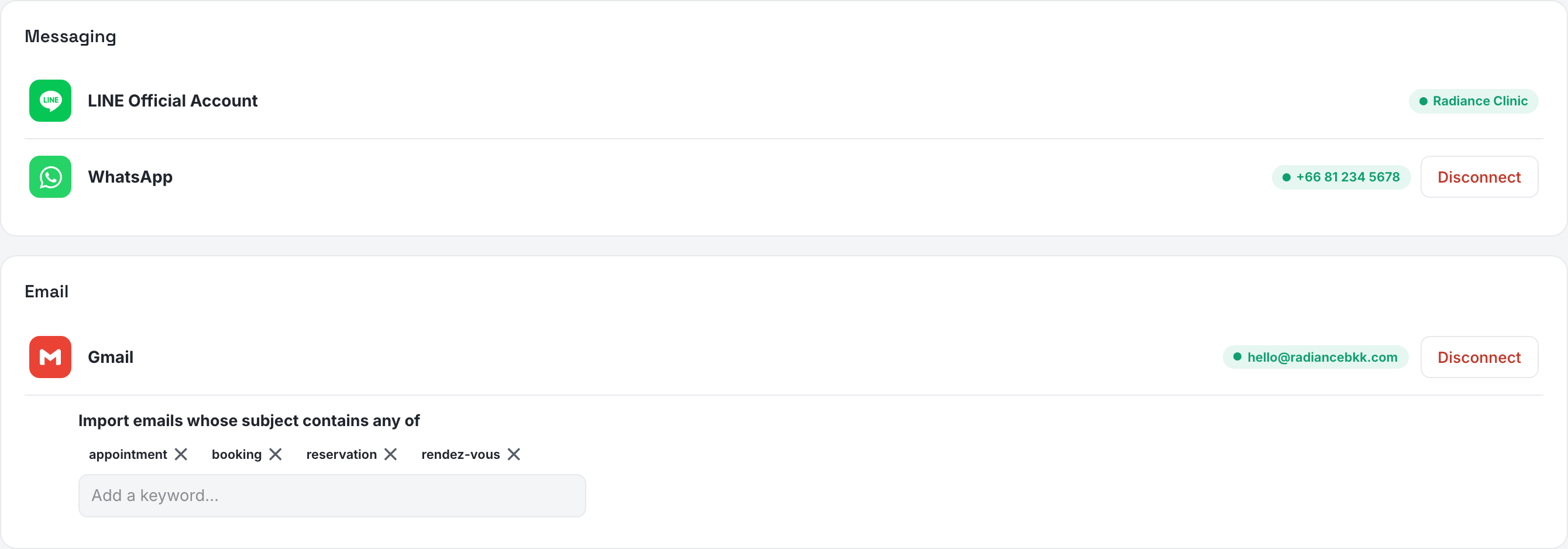
Two rows, and they connect in opposite ways. LINE Official Account is assisted: you press Connect, answer whether you already have one, and a timeline then tracks the request through its steps — the ones marked as yours have a link to the guide and a button to tell us when you are done, because nothing on our side can detect an invitation. WhatsApp is not assisted at all: Connectopens Meta's own window, you pick your number in it, and the row turns green by itself.
Both keep a chip showing what is live — the LINE account name, read fresh from LINE so a rename over there shows here, or the WhatsApp number. The full walkthroughs are Connecting LINE and Connecting WhatsApp.
Messenger and Instagram DM have no row of their own. They ride on the Instagram & Facebook connection in the Social panel below: connect it and their messages start arriving in the Inbox, disconnect it and they stop. Instagram has one extra condition — the account has to be linked to your Facebook Page in Meta Business Suite — and that is written up in Social.
Gmailturns a mailbox into a channel: matching emails become inquiries in your pipeline instead of sitting unread in someone's inbox. Pressing Connect first shows a short notice that Google will warn you the app is not verified — our review is still in progress, and the way forward is Advanced, then Go to Moshivo. Being told before it happens is the difference between a step and a scare.
Once connected the row carries the address and a list of keywords: an email is imported when its subject contains one of them. Type a word and press Enter to add it, click the ✕ to remove it — every change saves itself. Leave the list empty and the page says so in red, because with no keyword every email in the mailbox would be imported.
Disconnect asks twice: the first click arms it for four seconds, the second one does it.
Social
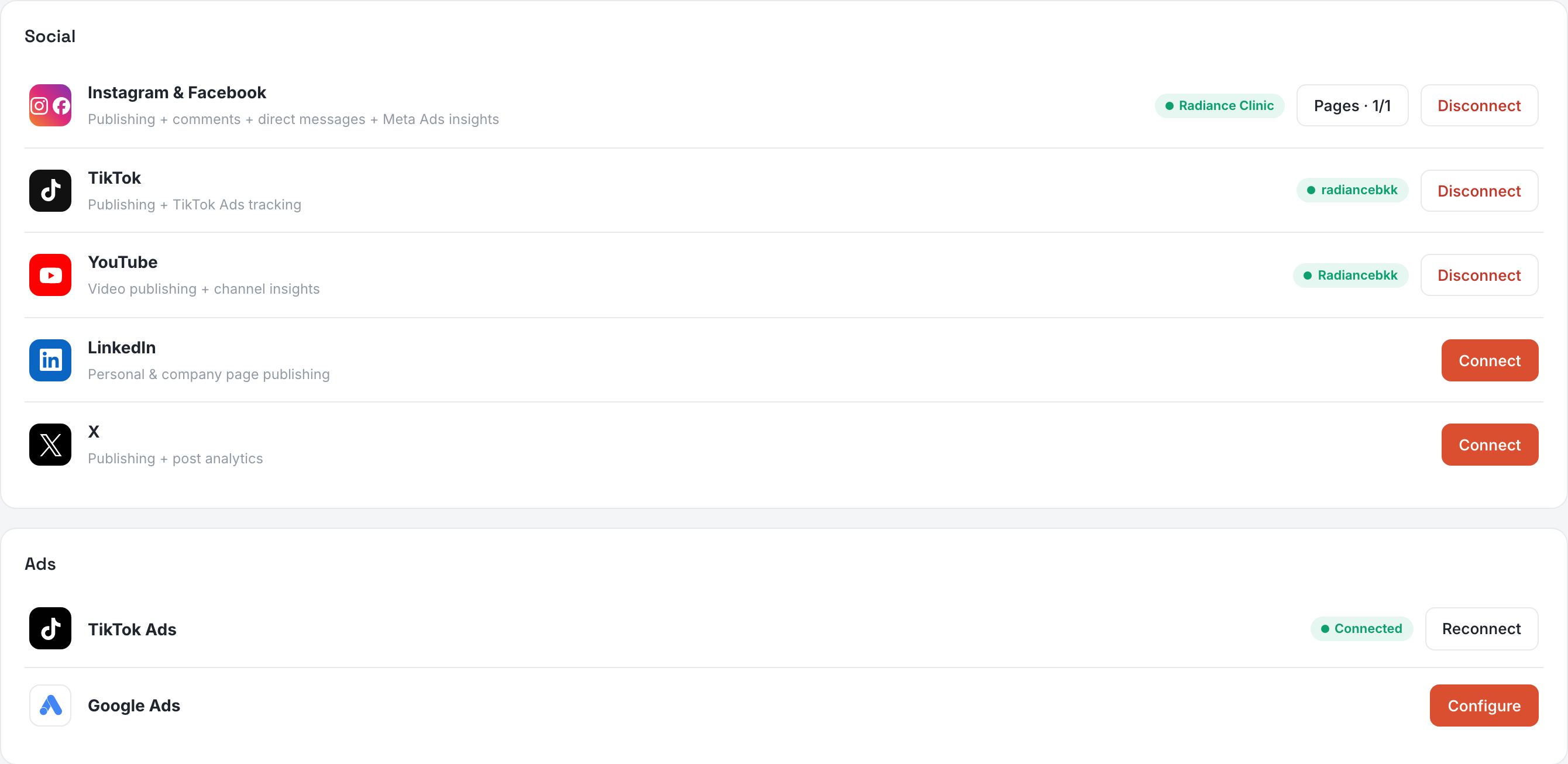
Instagram & Facebook, TikTok, YouTube and LinkedIn. Connecting sends you to the network to authorize Moshivo; your password never passes through us and you can disconnect from either end. What each connection buys is written on its row — publishing, comments, direct messages, insights — and LinkedIn adds a small Configure for choosing between your personal profile and a company page.
On a plan that cannot publish the networks stay listed and greyed rather than hidden, so you can see what is there. What you do with them afterwards is Social.
Ads
TikTok Ads is one authorization. Google Ads is not: Google only exposes its API through a Manager account you own, so it asks for three values you copy in once — Connecting Google Ads walks through finding them. Meta's ad reporting needs nothing here; it comes with the Instagram & Facebook connection above. All of it reads out in Campaigns.
When a row says reconnect
WhatsApp can show Reconnect needed. It means the number still looks connected here while the messaging platform no longer holds the account behind it — sends and, above all, the template list stop working. Press Reconnect and run the Meta window again; nothing else is lost.
Answer from the Desk
Every connected channel lands in one place, so a conversation stays attached to its contact, its inquiry and its appointment. Answering from the LINE app or Meta Business Suite instead breaks that link and hides the reply from the rest of the team.